

Main catalogue
UPCOM Product Overview 2024 v1
General company catalogue for fast range review
Open UPCOM catalogues, product brochures and technical PDFs by product group.
Open the general UPCOM catalogue or a product-family PDF.
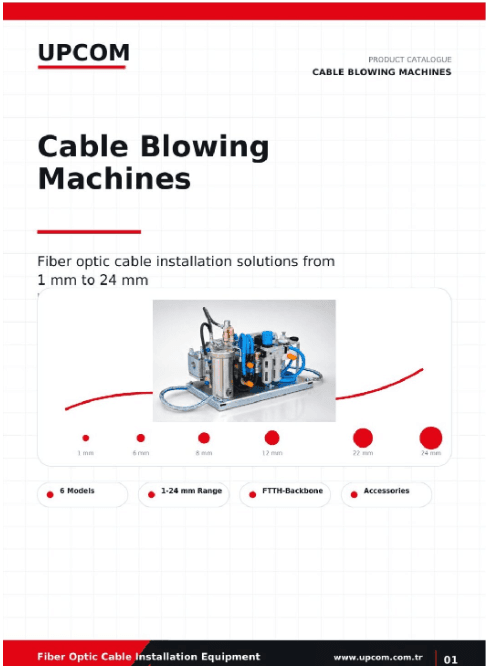
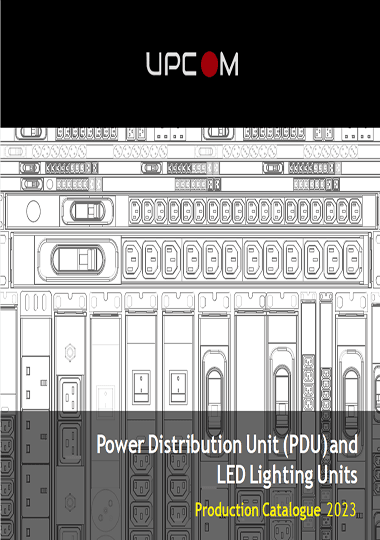
Download brochures for enclosure cooling, fiber raceways, assemblies and connectivity.
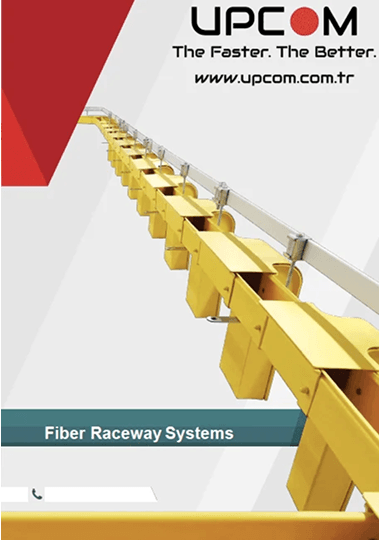
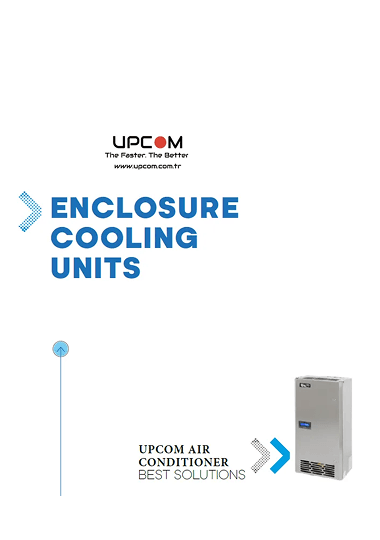
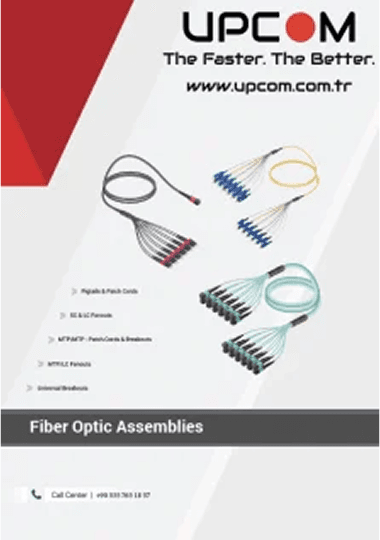
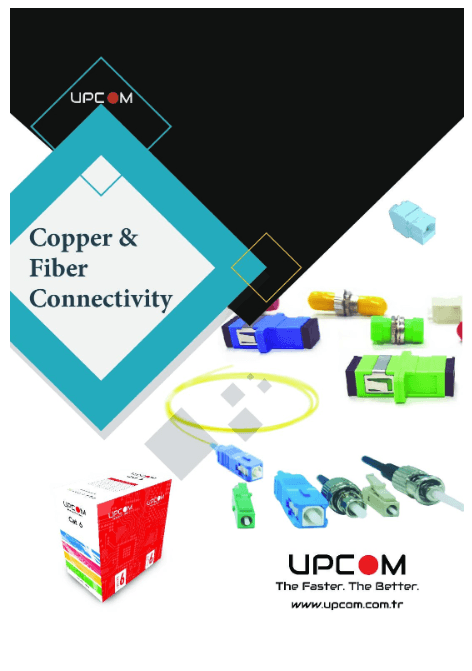
Find UPCOM catalogues, product brochures, technical PDFs and compliance documents by product group.
Choose the relevant document group to access general catalogues, product-family brochures, technical files, enclosure cooling documents and compliance support.
For product comparison and selection, continue to the main categories for cables, rack cabinets, cable blowing machines and fiber and copper connectivity. If a required document is not listed, contact UPCOM with the product code and requested file type.
Use these links when the document search is moving into compliance, certificates, technical clarification or related infrastructure support.
For CPR classes, DoP logic and certificate support, use the internal compliance routes first.
CPR compliant cablesMove from document review into the right family page once the route becomes clearer.
Fiber optic and data LAN cablesUseful when the enquiry moves from brochures into outdoor cabinet cooling, patching or supporting hardware.
Outdoor telecom cabinet with ACUse official EU reference pages when the project requires CPR or CE-related background beyond the product file itself.
EU CPR overviewStart broad if you need a catalogue, or go directly to a focused technical PDF if the application family is already known.
If the project is still broad, open the main product overview first. If the requirement is already specific, jump directly to the focused PDF.
Use machine documents for installation equipment, cooling documents for enclosure AC requirements, and connectivity documents for assemblies and patching.
If the project is fire-class or certificate sensitive, continue to the CPR guide, certificates or company document routes before quoting.
Once the right document is identified, continue into the matching main category page instead of browsing unrelated routes.
If the file you need is not listed here or a new revision is required, send the exact document request through the contact page.
When you request a quotation, mention the document or catalogue you reviewed. That reduces mismatch and speeds up technical confirmation.
These questions cover the main user intent behind this page: finding the right document quickly and moving to the right next step.
The UPCOM Download Center is mainly for fast access to catalogues, brochures, technical PDFs and support documents related to UPCOM telecom infrastructure products.
Start here if you need a file first. Start from the main category pages if you are still comparing product families and do not yet know which document route fits best.
Yes. The page includes the Air Conditioners for Enclosure and Cabinets PDF route for enclosure cooling, outdoor cabinet temperature control and related telecom cabinet projects.
No. This page supports them. It is a document-access page, while the main category URLs handle broader commercial browsing and product-family intent.
Use the contact page and mention the product family, document name and application. That makes it easier to send the correct file or latest revision.
Find model-specific setup checks, troubleshooting, parts references and operating-document requests for the six supported machines.